
This document is an installation guide for WV-S2236L WV-S2136L WV-S2136 network cameras.
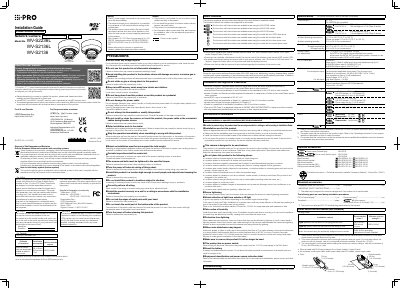
This installation guide covers precautions, installation-related information, and specifications for the i-PRO WV-S2236L, WV-S2136L, and WV-S2136 professional indoor network cameras.
It also explains where to find the Basic Information and Operating Instructions, lists supported power sources and environmental limits, and includes monitor output and EXT I/O terminal details.
| Power source | DC 12 V or PoE (IEEE802.3af compliant) |
|---|---|
| Power consumption (WV-S2136) | DC 12 V: 410 mA (approx. 4.9 W); PoE DC 48 V: 110 mA (approx. 5.3 W) |
| Ambient operating temperature | -10 °C to +50 °C (14 °F to 122 °F) |
| Power on temperature range | 0 °C to 50 °C (32 °F to 122 °F) |
| Ambient operating humidity | 10 % to 90 % (no condensation) |
| Storage temperature | -30 °C to +60 °C (-22 °F to +140 °F) |
| Storage humidity | 10 % to 95 % (no condensation) |
| Monitor output | VBS: 1.0 V [p-p]/75 Ω, composite, pin jack |
The guide covers the WV-S2236L, WV-S2136L, and WV-S2136 network cameras.
The cameras support DC 12 V or PoE (IEEE802.3af compliant).
The ambient operating temperature range is -10 °C to +50 °C (14 °F to 122 °F).
They are available via the link on the support website.