
The Siemens Intelligent Operator Panel (IOP) Operating Instructions describe the features and functions of the IOP.
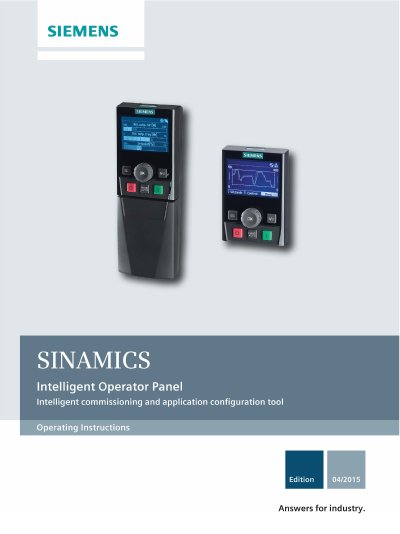
The Intelligent Operator Panel (IOP) enhances the interface and communications capabilities of SINAMICS inverters and connects to an inverter through an RS232 interface. It has been designed to automatically recognise selected SINAMICS Control Units, and this edition is dated 04/2015 with Firmware IOP V1.5.1.
The manual covers safety notes, overview, installation, wizards, control, menu functions, options and technical data for the IOP and related accessories.
| IOP protection | Depending upon the Control Unit IP rating to a max. of IP54 |
|---|---|
| IOP dimensions (HxWxD) | 106.86 mm x 70 mm x 30.06 mm |
| IOP net weight | 0.134 Kg (0.295 lbs) |
| IOP gross weight | 0.206 Kg (0.454 lbs) |
| IOP screw torque | Max. 2 Nm |
| IOP operating ambient temperature | 0 - 50 °C (32 - 122 °F) when directly connected to the converter; 0 - 55 °C (32 - 131 °F) when using the Door Mounting Kit |
| IOP transport and storage ambient temperature | -40 - +70 °C (-40 - 158 °F) |
| IOP humidity | Maximum absolute humidity 25 g/m3 |
| Hand-held kit protection | IP20 |
| Hand-held kit dimensions (HxWxD) | 195.04 mm x 70 mm x 47.99 mm |
| Hand-held kit net weight | 0.724 Kg (0.1.59 lbs) |
| Hand-held kit gross weight | 0.970 Kg (2.14 lbs) |
| Hand-held kit operating ambient temperature | 0 - 40 °C (32 - 104 °F) [charging 10 - 40 °C] |
| Hand-held kit transport and storage ambient temperature | -20 - +55 °C (-4 - 131 °F) |
| Hand-held kit humidity | Relative humidity 90% |
The IOP has been designed to automatically recognise selected SINAMICS Control Units, including SINAMICS ET 200pro FC-2, G110D, G110M, G120 variants, G120C, G120D-2 variants and S110 CU305.
The IOP connects to the inverter through an RS232 interface.
Yes, the IOP can be fitted to and removed from the inverter while power is applied.
The IOP sets the USS PZD (P2012) length to 4 when connected to the inverter.