
Mercedes-Benz Hands-Free System Phone Pairing Guide

The Mercedes-Benz hands-free system can be connected to the user's mobile phone to實現免提通话and music playback.
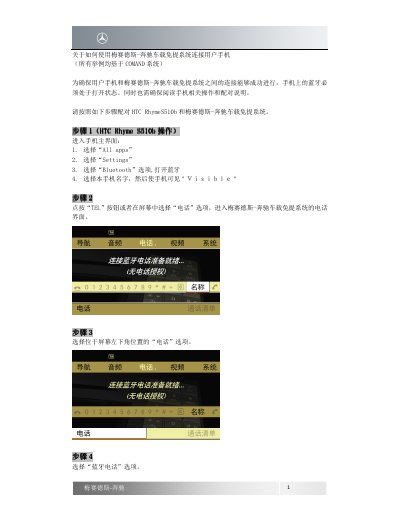

Mercedes-Benz Hands-Free System Phone Pairing Guide - cover page
Brand
Mercedes-Benz
Category
Car Accessories
Document type
Quick Start Guide
Language
Chinese
Pages
4
File format
PDF
File size
482 KB
Published
16 November, 2023
Updated
16 November, 2023
MD5 checksum
7FCFCB477A742F09B9B232EF8991DDE6

About this manual

This document gives step-by-step instructions for connecting a user's mobile phone to a Mercedes-Benz in-car hands-free system. The example uses an HTC Rhyme S510b and is based on the COMAND system; Bluetooth must be enabled on the phone. This manual is written in Chinese.

What's inside

  • Enable phone Bluetooth
  • Open vehicle telephone menu
  • Search for Bluetooth devices
  • Enter pairing password
  • Authorize the phone

Frequently asked questions

What must be enabled on the phone before pairing?

Bluetooth must be turned on.

What password can be entered during pairing?

Any password can be entered, such as 0000.

How can successful connection be confirmed?

The phone name appears above the telephone icon in the lower-left corner.

Download PDF (482 KB)

More Mercedes-Benz Manuals


View all Mercedes-Benz manuals →