
This manual provides step-by-step instructions for connecting an iPhone SE to the Mercedes-Benz Bluetooth hands-free system via external pairing.
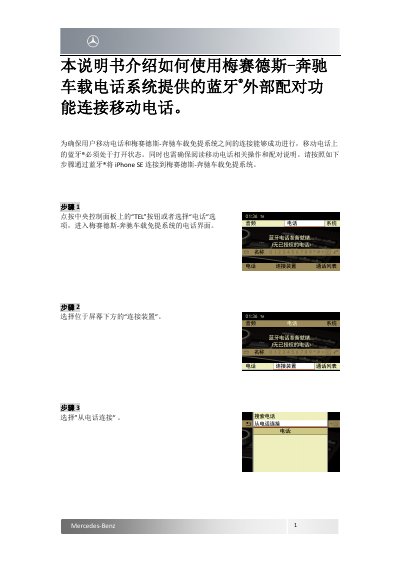
This guide explains how to use the Bluetooth® external pairing function of the Mercedes-Benz hands-free telephone system to connect a mobile phone. It details the specific steps required on both the vehicle's central control panel and the iPhone SE device to establish a successful connection.
The process involves navigating the car's interface to initiate a connection request, then configuring the iPhone SE settings to accept the pairing request from "MB Bluetooth". Users must verify a 6-digit passcode displayed on both screens and confirm authorization to complete the setup. This manual is written in Chinese.
This manual explains how to use the Bluetooth external pairing function in the Mercedes-Benz hands-free system to connect a mobile phone.
This guide provides instructions for connecting an iPhone SE to the Mercedes-Benz hands-free system.
You must ensure that Bluetooth is turned on in your mobile phone.