
This manual explains how to exchange business cards via Bluetooth between a Vivo X7 mobile phone and the Mercedes-Benz hands-free system.
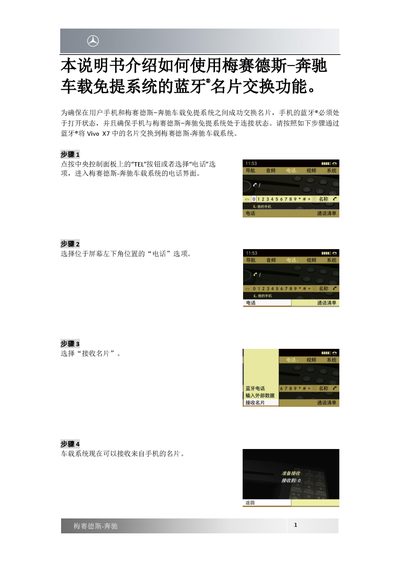
This guide provides instructions for exchanging business cards using the Bluetooth functionality of the Mercedes-Benz hands-free system. It details the prerequisites, such as ensuring the phone's Bluetooth is on and connected to the vehicle system.
The document outlines a step-by-step process for both the vehicle interface and the specific Vivo X7 smartphone. Users are guided through selecting options on the central control panel and navigating the phone's contact management menus to successfully transfer contacts. This manual is written in Chinese.
The manual specifically describes the process for a Vivo X7 mobile phone.
The mobile phone's Bluetooth must be turned on, and the phone must be connected to the Mercedes-Benz hands-free system.