
MAVIC AIR v1.2 2018.05 User Manual introduces how to use MAVIC TM Air.
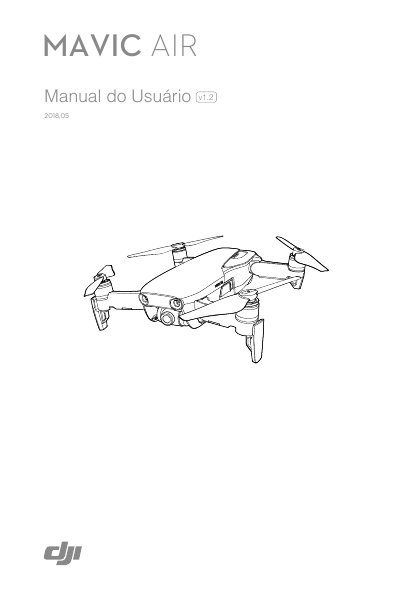
This is the DJI Mavic Air user manual dated 2018.05, written in Portuguese. It opens with notes on using the manual, links to tutorial videos, the DJI GO 4 app download and DJI Assistant 2, then moves through the product profile: introduction, main features, preparing the aircraft and remote controller, and diagrams of both.
The main sections cover aircraft flight modes, status LEDs and indicators, Return-to-Home, vision systems, Intelligent Flight Modes, advanced pilot assistance systems, flight recorder, propeller mounting, the Intelligent Flight Battery, gimbal and camera, and remote controller use, transmission range and linking. Later sections describe the DJI GO 4 app, flight requirements and limits, pre-flight checklist, automatic takeoff and landing, motor start/stop, a test flight, and an appendix with specifications, compass calibration, firmware updates and after-sales information.
| Maximum flight speed | 68.4 km/h (42.5 mph) |
|---|---|
| Maximum flight time | 21 minutes |
| Video recording | 4K at up to 30 fps |
| Photo resolution | 12 megapixels |
| Max transmission range | 2.49 miles (4 km) |
| DJI GO 4 Android compatibility | Android v4.4 and later |
| DJI GO 4 iOS compatibility | iOS v9.0 and later |
| Height limit without app connection | 98.4 ft (30 m) |
Up to 21 minutes, tested in zero wind at a constant speed of 15.5 mph (25 km/h).
It records 4K video at up to 30 fps and takes 12 megapixel photos with the integrated three-axis gimbal.
Use DJI GO 4 or DJI Assistant 2; with DJI GO 4 a notification appears when a new firmware update is available.
DJI GO 4, with the Android version compatible with Android v4.4 and later and the iOS version compatible with iOS v9.0 and later.
About 15 minutes; it is normal for the gimbal to go loose, the aircraft status indicator to blink and the aircraft to restart.