
This is a user manual for an air purifier. It introduces the features and how to use the air purifier.
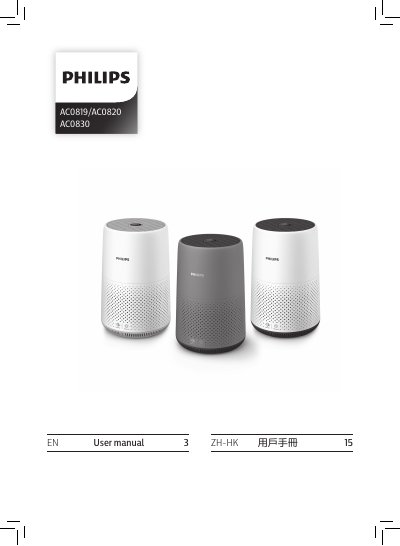
The Philips AC0819/AC0820 AC0830 user manual covers safety instructions, product and control overviews, and use of the air purifier. It explains the air quality light, installing the filter, connecting power, turning the appliance on and off, and changing the mode setting.
The guide also covers cleaning the body, air quality sensor and filter surface, replacing the filter and resetting it, storage, troubleshooting, guarantee and service, ordering parts or accessories, and notices on electromagnetic fields and recycling.
| Filter model for AC0819/AC0820 | FY0194 |
|---|---|
| Filter model for AC0830 | FY0293 |
| Power adapter | KA1801A-2400750BS |
| Minimum free space around appliance | 20 cm |
| Minimum free space above appliance | 30 cm |
| Air quality light, good | PM2.5 ≤12, blue |
The AC0830 uses the FY0293 NanoProtect filter Series 2.
Check that the voltage indicated on the appliance matches the local power voltage before connecting it.
Leave at least 20 cm free space around the appliance and at least 30 cm above it.
Blue indicates good air quality, blue-purple fair, purple-red poor, and red very poor.