
This document is a user guide for the Motorola BRAVO LX™ pager.
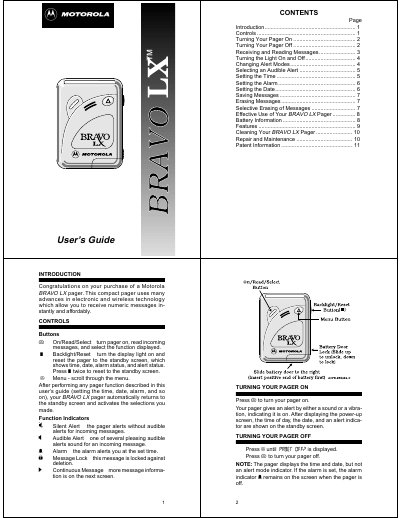
This is the user's guide for the Motorola BRAVO LX pager, a compact numeric pager for receiving messages. It describes the buttons and the indicators shown on the display, then walks through turning the pager on and off, receiving and reading messages, turning the backlight on and off, and switching between audible and silent alert modes.
The guide also explains how to select an audible alert tone, set the time, the alarm and the date, save and erase messages, and use the pager with a paging service. A features list, battery information, cleaning instructions, repair and maintenance contacts, and patent information close the document.
| Memory Capacity | Up to sixteen 20-character messages, 320 characters total |
|---|---|
| Battery Type | AAA-size alkaline battery |
| Message Alert Duration | Eight seconds |
| Protected Messages | Up to eight messages |
| Alarm Alert | Vibration or a 20-second alert |
| Audible Alert Tones | Five selectable alert tones |
Press the On/Read/Select button (W). The pager alerts with a sound or vibration, shows the power-up screen, and then displays the standby screen with the time, date and alert indicator.
It stores up to sixteen 20-character messages, for a total of 320 characters, and up to eight of them can be protected from erasure.
It is designed to operate with an AAA-size alkaline battery. When power is low, lo cell is displayed and all alerts change to two seconds in length.
Press the Menu button until set alarm ? is displayed, then press the On/Read/Select button and use Menu to turn the alarm on or off and to set the hours and minutes.