
JVC CAM Control (for iPhone) User Guide English introduces the software (for iPhone) user guide for Live Streaming Camera GV-LS2/GV-LS1.
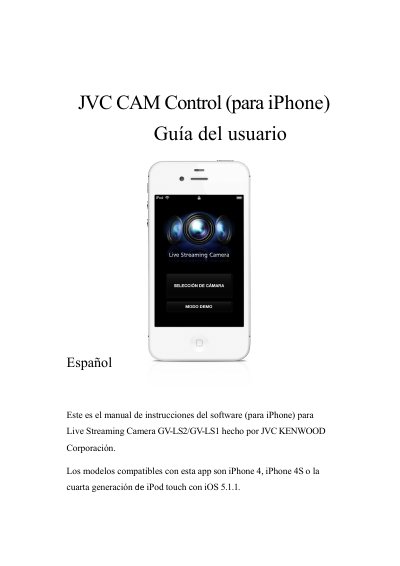
This user guide explains how to install and use the JVC CAM Control app for iPhone with JVC live streaming cameras GV-LS2 and GV-LS1. It walks through camera setup, connecting over WiFi, viewing video, stopping viewing, and exiting the app.
It also covers remote viewing over the internet by assigning a URL and adding a camera manually, along with screen descriptions for camera selection, pan/tilt, presets, recording/focus, and camera and application settings. This manual is written in Spanish.
| Compatible devices | iPhone 4, iPhone 4S, or fourth-generation iPod touch |
|---|---|
| Required operating system | iOS 5.1.1 |
| Connection | WiFi only |
| Recording stream setting | MotionJPEG with an SD card inserted |
| Stream options | MPEG-2 TS(HD) + MotionJPEG; MPEG-2 TS(SD) + MotionJPEG; MotionJPEG |
The app supports iPhone 4, iPhone 4S, and fourth-generation iPod touch with iOS 5.1.1.
JVC CAM Control can only be used with a WiFi connection.
Yes. Assign a URL to the camera, add the camera manually, enter its URL and a name, then tap Start.
Set the camera stream to MotionJPEG and insert an SD card.