
DJI OM 6 User Manual introduces the features and functions of DJI OM 6.
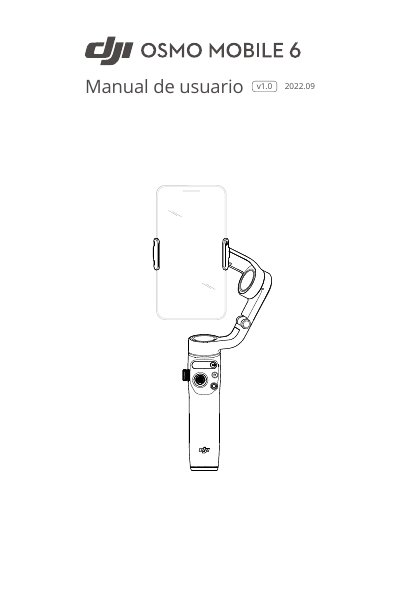
The DJI Osmo Mobile 6 is a lightweight, foldable three-axis smartphone stabilizer with an integrated extendable arm and magnetic design. It supports portrait and landscape modes and works with the DJI Mimo app, ActiveTrack 5.0, DynamicZoom, and Panorama features.
This manual explains how to charge the device, attach a phone using the magnetic clamp, and use the status panel and joystick. It also covers operating modes, firmware updates, and technical specifications such as dimensions, weight, battery life, and Bluetooth 5.1 connectivity. This manual is written in Spanish.
| Dimensiones desplegado | 276 x 111.5 x 99 mm |
|---|---|
| Dimensiones plegado | 189 x 84.5 x 44 mm |
| Peso estabilizador | aprox. 309 g |
| Peso abrazadera teléfono | aprox. 31g |
| Tiempo de carga | Aproximadamente 1 hora y 24 minutos |
| Tiempo de funcionamiento | Aproximadamente 6 horas y 24 minutos |
It takes approximately 1 hour and 24 minutes to charge.
The maximum operating time is approximately 6 hours and 24 minutes.
The DJI Mimo app is used with the Osmo Mobile 6.
It means Bluetooth is connected.