
The Fitbit Luxe User Manual provides information on how to use the Fitbit Luxe smartwatch. It covers everything from setting up and wearing the watch to using its various features.
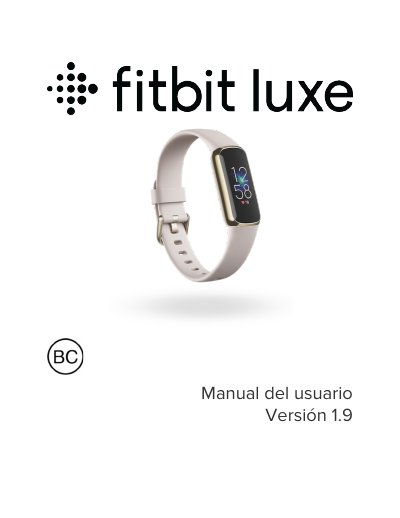
This is the Spanish-language user manual (version 1.9) for the Fitbit Luxe, described in the document as a wellness and fitness monitor. It starts with the box contents (monitor with a small band, charging cable and an additional large band), how to charge the monitor, and how to set Luxe up through the Fitbit app for iPhone, iPad or Android phones. It also covers how to wear and care for the band, how to remove and attach the band, and basic navigation, quick settings, display options and quiet modes.
The rest of the manual covers phone notifications, calls and message replies, alarms, timer and stopwatch, activity and sleep tracking, stress management and guided breathing, exercise and heart-rate monitoring including GPS requirements and heart-rate zones, plus updating, restarting and erasing Luxe and troubleshooting. The final sections list sensors and components, materials, wireless technology, battery, memory, display, band size and environmental conditions, followed by the warranty, regulatory and safety notices, battery warnings and the IP rating. This manual is written in Spanish.
| Model | FB422 (Wireless Activity Tracker) |
|---|---|
| Battery life | Up to five days when fully charged |
| Charging time | About 1 to 2 hours for a full charge |
| Battery type | Non-replaceable internal lithium-ion battery |
| Water resistance | IPX8, up to a depth of 50 meters |
| Dust rating | IP6X (dust-tight) |
The battery can last up to five days when fully charged, although battery life and charging cycles vary with use and other factors.
A full charge takes about 1 or 2 hours.
Model FB422 has an IPX8 water resistance rating up to a depth of 50 meters and an IP6X dust rating, meaning it is dust-tight.
Set it up with the Fitbit app for iPhone, iPad or Android phones, then follow the on-screen instructions to connect Luxe to your account.