
iPhone User Guide introduces the instructions for using iPhone, including safety and use, battery, compatibility and precautions.
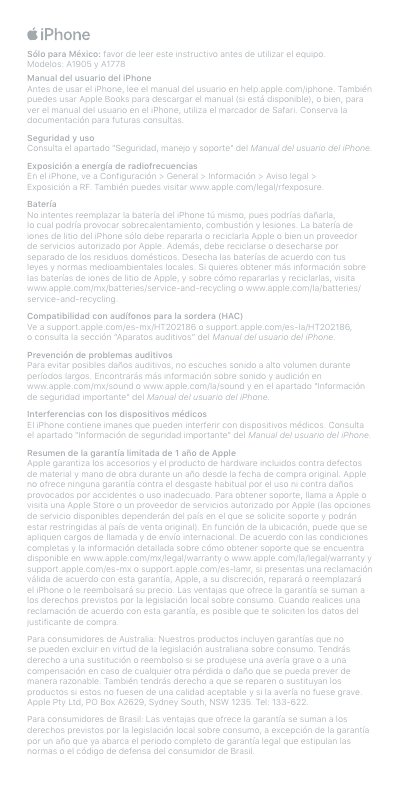
This document is the iPhone user guide for Apple iPhone models A1905 and A1778. It covers safety and use, RF energy exposure, battery handling, hearing-aid compatibility, hearing-loss prevention, medical-device interference, and Apple's one-year limited warranty.
It also provides regulatory declarations for ISED Canada and the FCC, the EU declaration of conformity, an indoor-use restriction for 5150-5350 MHz, waste and recycling information, class 1 laser product information, electrical characteristics, and specifications for adapter model A1385. This manual is written in Spanish.
| iPhone model A1905 electrical characteristics | 5V 1A / 9V 3A / 14.5V 2A |
|---|---|
| iPhone model A1778 electrical characteristics | 5.0V 1.0A |
| Adapter model A1385 input | 100-240V~ 50/60Hz 0.15A |
| Adapter model A1385 output | 5V 1A max |
No; the lithium-ion battery should only be repaired or recycled by Apple or an Apple authorized service provider.
Apple warrants the included hardware product and accessories against defects in materials and workmanship for one year from the original purchase date.
On iPhone, go to Settings > General > About > Legal > RF Exposure, or visit www.apple.com/legal/rfexposure.
Yes; the iPhone contains magnets that can interfere with medical devices.