
The document describes how to use the iPhone XS, including how to insert a SIM card, how to set the language and country/region, how to activate the phone, and how to use location services.
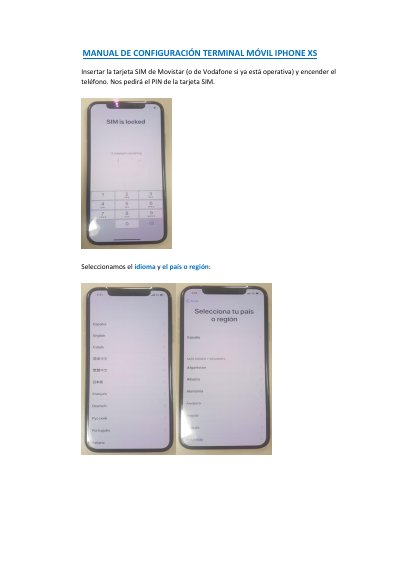
This document is a Spanish setup guide for the Apple iPhone XS mobile terminal. It describes inserting a Movistar or Vodafone SIM card, selecting language and region, choosing manual configuration, and using a mobile connection.
It also covers phone activation, mandatory corporate device management acceptance, optional location services, starting use by sliding up, and adding an Apple account through the App Store for personal applications. This manual is written in Spanish.
Insert a Movistar SIM card, or a Vodafone SIM card if it is already operative.
Slide up on the screen to start using the iPhone.
Yes, by adding an account from the App Store application.
Location services are needed for maps and phone recovery, but they can be disabled if not wanted.