
The ZOOM / is a multi-effects processor that has a variety of effects and features to help you create a variety of sounds. It has multiple input and output options to connect to a variety of devices. It also has a built-in tuner and a looper.
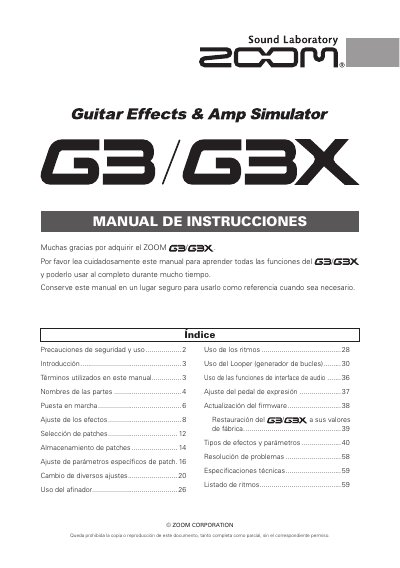
This document is a Spanish-language user manual for the ZOOM G2.1Nu guitar multi-effects unit. It covers safety precautions, part names, startup, effect and patch editing, rhythm and looper operation, audio interface functions, expression pedal adjustment, tuner use, firmware updates, troubleshooting, and technical specifications.
It describes selecting and ordering up to six simultaneous effects from about 100 types, storing 100 patches in 10 banks labeled A-J, a looper that records phrases of up to 40 seconds and can synchronize with rhythms, and automatic standby after 25 minutes of inactivity. This manual is written in Spanish.
| Simultaneous effects | Up to 6 |
|---|---|
| Effect types | About 100 |
| Storable patches | 100 |
| Patch banks | 10 (A-J) |
| Looper recording time | Up to 40 seconds |
| Automatic standby | After 25 minutes |
Up to six effects can be selected and used simultaneously.
The unit can store 100 patches.
The looper can record phrases of up to 40 seconds.
It enters standby automatically after 25 minutes without use.