
The AirStation WHR-1166D User Manual provides instructions on how to use and set up the product.
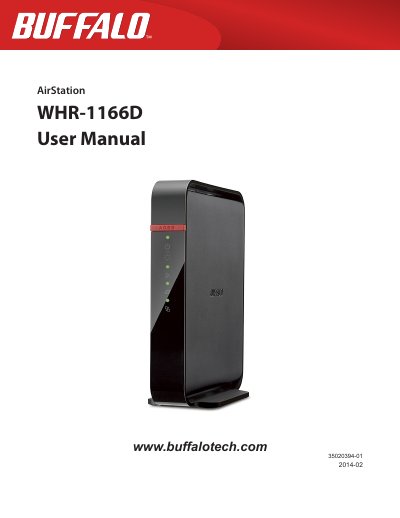
The Buffalo AirStation WHR-1166D is a dual-band wireless router. This manual covers the front, back, and bottom panel layout, initial setup, and connecting wireless devices.
It also covers Easy Admin settings, wireless and AOSS/WPS configuration, guest accounts, web filtering, advanced settings such as Internet, LAN, firewall, port forwarding, and QoS, plus utilities, troubleshooting, technical specifications, and regulatory information.
| Wireless LAN standards | IEEE 802.11ac / IEEE 802.11n / IEEE 802.11a / IEEE 802.11g / IEEE 802.11b |
|---|---|
| Transmission method | DSSS, OFDM, MIMO |
| Security | AOSS, WPA/WPA2 mixed PSK, WPA2-PSK (AES), WPA-PSK (AES), 64-bit or 128-bit WEP |
| LAN ports | 10 Mbps and 100 Mbps |
| Internet port | 10 Mbps, 100 Mbps, and 1000 Mbps |
| Default LAN-side IP address | 192.168.11.1 |
| Default username | admin |
| Default password | password |
The default LAN-side IP address is 192.168.11.1.
The default password is password.
Hold down the reset button until the power/diag LED turns amber, which takes about 3 seconds.
It supports IEEE 802.11ac, IEEE 802.11n, IEEE 802.11a, IEEE 802.11g, and IEEE 802.11b.