
TASCAM DP-24 / DP-24SD / DP-32 / DP-32SD Troubleshooting Supplement

DP-24 / DP-24SD / DP-32 / DP-32SD User's Manual Supplement.
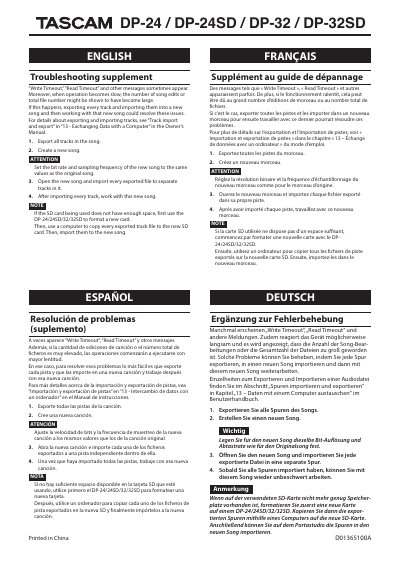

TASCAM DP-24 / DP-24SD / DP-32 / DP-32SD Troubleshooting Supplement - cover page
Brand
Tascam
Category
Other Electronics
Document type
User Manual
Language
English
Pages
2
File format
PDF
File size
138 KB
Published
16 November, 2023
Updated
16 November, 2023
MD5 checksum
28AFEFF21D15487F8176901CB98E3869

About this manual

This troubleshooting supplement covers the TASCAM DP-24, DP-24SD, DP-32, and DP-32SD digital recorders. It explains how to resolve Write Timeout and Read Timeout messages and slow operation by exporting tracks to a new song.

The document provides step-by-step instructions for exporting all tracks, creating a new song with matching bit rate and sampling frequency, importing files to separate tracks, and formatting a new SD card if needed.

What's inside

  • Troubleshooting supplement
  • Write Timeout
  • Read Timeout
  • Track import and export
  • Exchanging Data with a Computer
  • Export all tracks
  • Create a new song
  • Import exported files
  • Format SD card

Frequently asked questions

What should I do if Write Timeout or Read Timeout messages appear?

Export every track and import them into a new song, then work with that new song to resolve the issue.

What should I do if the SD card does not have enough space?

Use the DP-24/24SD/32/32SD to format a new card, copy exported track files to it with a computer, then import them to the new song.

What bit rate and sampling frequency should the new song use?

Set them to the same values as the original song.

Download PDF (138 KB)

More Tascam Manuals


View all Tascam manuals →