
The Motorola MDC500GW Quick Start Guide is a dashboard camera with GPS and WiFi. The guide provides detailed instructions on how to use the device.
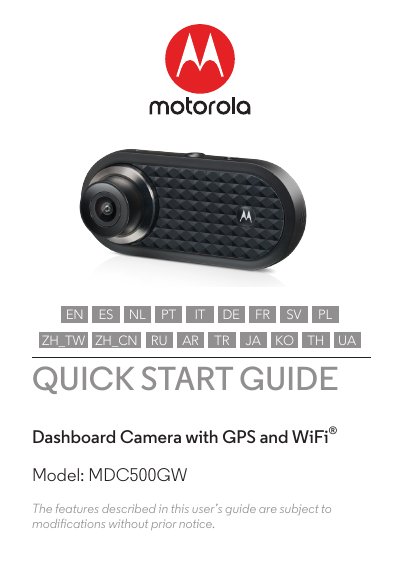
The Motorola MDC500GW is a Dashboard Camera with GPS and WiFi. The box contains the Dashboard Camera, a windshield mount with GPS antenna, a car adapter, and the user manual. A micro SD card up to 32GB class 10 is required but not provided.
Insert and format the SD card before recording; the camera powers on and begins recording automatically when connected to power. Use the Menu/Back, Up, Down, OK, Mode, and Lock buttons to control video, playback, and settings, and connect to the Hubble Dashcam app on Android or iOS smartphones.
| Connectivity | GPS and WiFi |
|---|---|
| Screen Size | 2.0” |
| SD Card Capacity | up to 32GB class 10 |
| Power Cable Length | 3.6m USB |
| Smartphone OS | Android 5.0+, iOS 10+ |
The box includes the Dashboard Camera, a windshield mount with GPS antenna, a car adapter, and the user manual.
It accepts SD cards up to 32GB capacity, class 10, and the card must be formatted before recording.
Yes, it powers up and begins recording automatically as soon as it is connected to a power source.
The app supports Android 5.0 or higher and iOS 10 or higher.