
This user manual describes the features and functions of the Motorola MBP16 baby monitor.
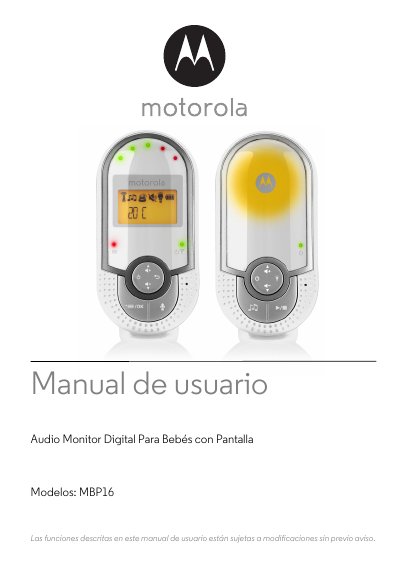
This Spanish-language user manual for the Motorola MBP16 Digital Baby Audio Monitor with Screen explains the parent and baby units, their controls and display icons, and how to install and charge the Ni-MH battery pack. It also covers menu settings, two-way communication, the baby unit night light and lullaby playback.
The document includes safety instructions, installation notes about radio range and signal blocking, cleaning guidance, troubleshooting and general information. It lists the package contents as one parent unit, one baby unit, a rechargeable Ni-MH battery pack for the parent unit, and power adapters for both units. This manual is written in Spanish.
| Battery chemistry | Ni-MH rechargeable battery pack |
|---|---|
| Battery voltage and capacity | 2.4 V 400 mAh |
| Display type | LCD |
| Sound level indicator | 3 green LEDs and 2 red LEDs |
The parent unit uses the supplied Ni-MH rechargeable battery pack, specified in the manual as 2.4 V 400 mAh.
Press and hold the Talk button on the parent unit to speak to the baby unit; release it to cancel talk mode.
Press the night light button on the baby unit to turn the night light on or off.
The parent unit menu offers English, German, French, Italian, Spanish and Portuguese.