
This manual provides instructions on how to use the Philips DVP2880 DVD player.
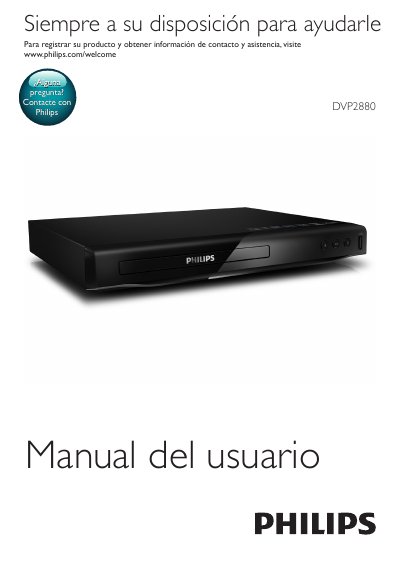
This is the Spanish-language user manual (Manual del usuario) for the Philips DVP2880 DVD player. It explains how to connect the player to a TV via HDMI, SCART, video/audio outputs or coaxial digital audio, and how to play DVDs, VCDs, CDs, MP3/JPEG files and DivX videos from disc or from a connected USB storage device.
The manual describes basic and advanced playback controls, video options, slideshow playback with music, repeat and GOTO functions, DivX VOD registration and subtitle character sets, Philips EasyLink, changing general, picture, sound and preference settings, software updates, specifications, troubleshooting, and safety notices. This manual is written in Spanish.
| Laser classification | Class 1 laser product |
|---|
Visit vod.divx.com and register the player using its DivX VOD code, which you can display via [Configuración] > [General] > [Cód VAS DivX(R)].
Change the DivX subtitle character set under [Configuración] > [Preferencias] > [Subtítlo DivX]; options include Standard, Central Europe, Cyrillic and Greek.
Press REPEAT/REPEAT A-B to mark the start point, press it again to mark the end point, and the marked section repeats; press until [Desactivar] appears to cancel.
Yes, play a music file from disc or USB, navigate to image files on the same source, select an image and press OK to start the slideshow.