
The document is about the instruction manual for the COMPACT COMPONENT SYSTEM SISTEMAS DE COMPONENTES COMPACTOS INSTRUCTIONS MANUAL DE INSTRUCCIONES GVT0210-002A [UW,UY] CA-DXU10 CA-DXU8 SUPER VIDEO CA-DXU10 CA-DXU8 G-1.
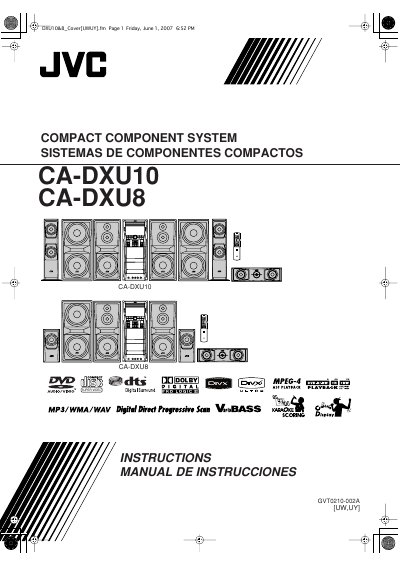
This is the Spanish-language instructions manual (MANUAL DE INSTRUCCIONES, document number GVT0210-002A) for the JVC COMPACT COMPONENT SYSTEM models CA-DXU10 and CA-DXU8. It explains how to connect and set up the system, including connecting a USB mass storage class device, preparing the remote control, canceling the demonstration and changing the color system and scan mode.
The manual covers daily playback operations for radio, discs, USB devices and tape, sound adjustments such as VARIO BASS and surround modes, disc/video file operations, advanced playback functions, tape recording, karaoke features, timer operations, the setup menu, troubleshooting and specifications. This manual is written in Spanish.
| Playable audio formats | LPCM, Dolby Digital, DTS, MPEG Audio, MLP |
|---|---|
| Color system | NTSC and PAL |
| Operating temperature range | 5°C to 35°C |
| Unplayable discs | DVD-RAM, CD-I (CD-I Ready), Photo CD |
DVD-RAM, CD-I (CD-I Ready) and Photo CD discs cannot be played; playing them will generate noise and may damage the speakers.
Yes, the system is compatible with both NTSC and PAL and can play discs/files recorded in either system; the color system can be changed as described on page 6.
Leave the system turned on for a few hours until the moisture evaporates, then unplug the AC power cord and plug it back in.