
This document describes how to connect a Samsung Note5 to a Mercedes-Benz hands-free system via Bluetooth.
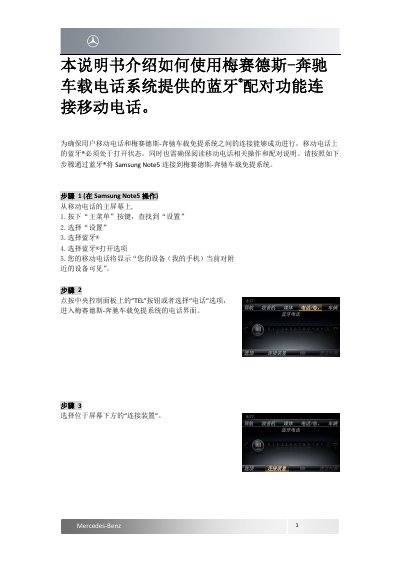
This short Chinese-language guide from Mercedes-Benz explains how to use the Bluetooth pairing function of the in-car hands-free system to connect a mobile phone, using the Samsung Note5 as the example device. It notes that the phone's Bluetooth must be turned on before pairing and that the phone's own operating and pairing instructions should also be read.
The twelve steps cover enabling Bluetooth in the phone's settings, pressing the TEL button on the center control panel, selecting Connect Device and Start Search, choosing the phone from the list of found devices, verifying the automatically generated 6-digit passcode on both screens, and granting MB Bluetooth access to contacts, call logs and messages. Once connected, the phone's name is displayed at the bottom of the vehicle screen. This manual is written in Chinese.
| Pairing passcode | 6-digit, generated automatically |
|---|---|
| Wireless technology | Bluetooth |
The phone's Bluetooth must be turned on for the connection between the phone and the hands-free system to succeed.
A 6-digit passcode is generated automatically and shown on both the vehicle system and the phone; if the two match, select Pair or OK.
It requests permission to access contacts and call logs, and to read SMS and email messages; select Allow or Yes to grant it.
After a successful connection, the phone's name is displayed at the bottom of the vehicle screen, and the phone shows MB Bluetooth with a connected status.