
CASIO watch user guide, introduces the features and functions of the watch.
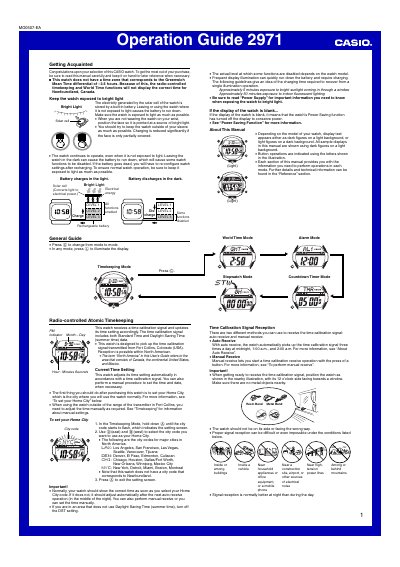
This Operation Guide (module 2971) explains how to use a CASIO solar-powered watch that receives a time calibration signal from Fort Collins, Colorado. It covers setting the Home City, auto and manual signal reception, the receiving indicator, and troubleshooting reception problems.
The guide also describes the solar charging system, notes that the watch has no city code for Newfoundland, Canada, and explains the Power Saving function that turns the display off in the dark. Modes include Timekeeping, World Time and Alarm, with a button used to illuminate the display.
| Time calibration signal transmitter | Fort Collins, Colorado (USA) |
|---|---|
| Reception range | about 2,000 miles (3,000 km) radius |
| Auto receive times | midnight, 1:00 a.m., and 2:00 a.m. |
| Reception duration | two to six minutes |
| Charging time after one illumination | approx. 5 min sunlight / 50 min fluorescent |
The Power Saving function has turned off the display to conserve power when the watch is left in the dark.
No. The watch has no time zone for the -3.5 hour GMT differential, so radio-controlled and World Time functions will not display the correct time for Newfoundland.
Place the watch with its 12 o'clock side facing a window, then in the Timekeeping Mode hold down the lower left button for about two seconds until the watch beeps and RC! appears.
Under good conditions reception is possible within about 2,000 miles (3,000 kilometers) of Fort Collins; beyond about 600 miles it may fail at certain times of year or day.