
CASIO watch user manual, introduces the features and functions of the watch.
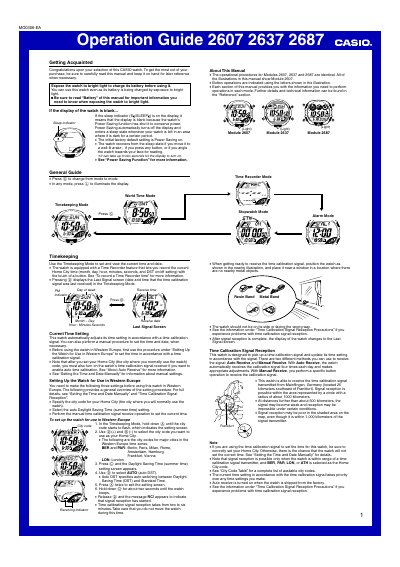
This Operation Guide covers Casio watch Modules 2607, 2637 and 2687, which share identical operating procedures. It explains how to charge the watch's battery by exposing it to bright light, the Power Saving function that blanks the display in the dark, and the available modes: Timekeeping, World Time, Time Recorder, Stopwatch and Alarm.
The watch automatically adjusts its time using a time calibration signal transmitted from Mainflingen, Germany, receivable within about 1000 kilometers when a supported European city code is selected as the Home City. The guide describes Auto Receive (performed at 2:00 AM, 3:00 AM, 4:00 AM and 5:00 AM), Manual Receive, the receiving indicator levels, and setup steps for use in Western Europe, including Home City, DST and initial signal reception.
| Time calibration signal transmitter | Mainflingen, Germany (about 25 km southeast of Frankfurt) |
|---|---|
| Signal reception range | About 1000 km radius |
| Auto receive calibration times | 2:00 AM, 3:00 AM, 4:00 AM and 5:00 AM daily |
| Signal reception duration | Two to six minutes |
| Power Saving | On by factory default; display blanks in darkness |
Expose the watch to bright light to charge its battery; the watch can be used even while it is charging.
The Power Saving function has put the watch into a sleep state after it was left in the dark. Move it to a well-lit area, press any button, or angle it towards your face to wake it.
Place the watch with its 12 o'clock side facing a window, then in the Timekeeping Mode hold down the lower button for about two seconds until the watch beeps; reception takes two to six minutes.
With auto receive turned on, the watch receives the signal at 2:00 AM, 3:00 AM, 4:00 AM and 5:00 AM each day, provided it is in the Timekeeping or World Time Mode.