
The Pioneer PX Series Balance is a high-precision balance with a variety of functions, including weighing, counting, percentage weighing, dynamic weighing and density determination.
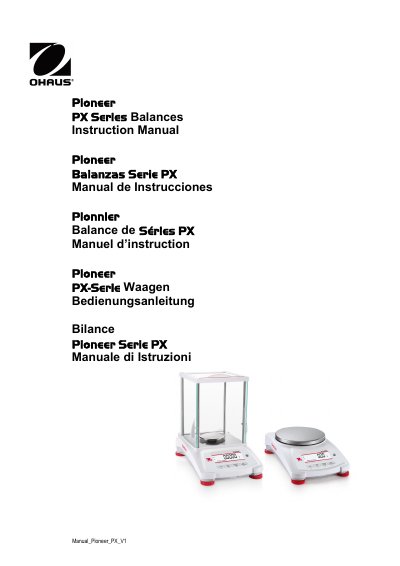
This is the instruction manual for the Pioneer PX Series balances, a family of precision weighing instruments available in capacities from 82 grams to 8,200 grams. The manual is multilingual, with the English section covering the balance's description, features, and safety precautions, including signal warnings such as WARNING and CAUTION.
The document explains installation steps (unpacking, location selection, leveling, power connection, and acclimation), operation of the 2-line backlit display and controls, and six application modes: Weighing, Parts Counting, Percent Weighing, Dynamic Weighing, Density Determination, and additional features. It also details menu settings, calibration for InCal and ExCal models, RS232 and USB interface setup, printing, GLP data, legal-for-trade functions, maintenance, and technical data.
| Capacity range | 82 g to 8,200 g |
|---|---|
| Display | 2-line backlit display |
| Application modes | 6 application modes |
| Interfaces | RS232 and USB |
| Acclimation time (precision above 0.1 mg) | 1.5 hours |
| Acclimation time (precision 0.01 mg) | more than 4 hours |
| Calibration types | InCal (internal) and ExCal (external) models |
| Use environment | Indoor use only, dry locations |
Balances with precision above 0.1 mg should acclimate for 1.5 hours, and balances with 0.01 mg precision for more than 4 hours after being connected to power.
Adjust the 4 leveling feet until the bubble in the level bubble window beside the display is centered in the circle.
It has an RS232 port for a computer or printer and a USB port for connecting to a PC only.
InCal models have a built-in calibration mechanism that calibrates automatically without external masses, while ExCal models are calibrated with external masses.