
This is a user manual for Garmin Dash Cam™ 45/54/55/65W.
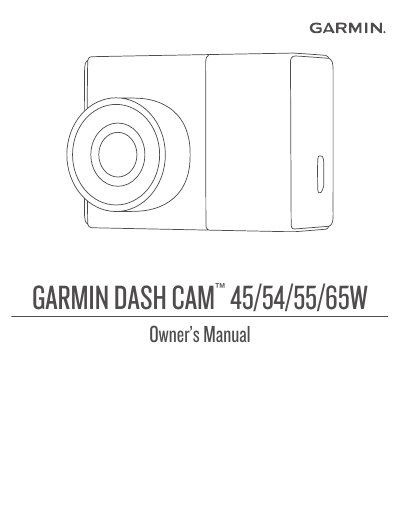
This owner's manual explains how to install and set up the Garmin Dash Cam 45/54/55/65W, including mounting the camera on the windshield, installing and formatting the memory card, and connecting the vehicle power cable.
It also describes dash cam recording and event detection, saving and viewing videos and photos, using the Garmin VIRB app, driver awareness features such as forward collision and lane departure warnings, voice control, device settings, specifications, and troubleshooting.
| Memory card | microSD or microSDHC, up to 64GB, class 10 or higher |
|---|---|
| Memory card file system | FAT32 |
The camera requires a microSD or microSDHC memory card of up to 64GB with a speed rating of class 10 or higher.
You should format the memory card at least once every 6 months to help extend its useful life.
Hold the power key for 3 seconds to turn the device off.
The ambient temperature must be from 21° to 38°C (70° to 100°F) before installing the adhesive mount on the windshield.