
Philips Party Speaker 7000 Series TAX7207 User Manual
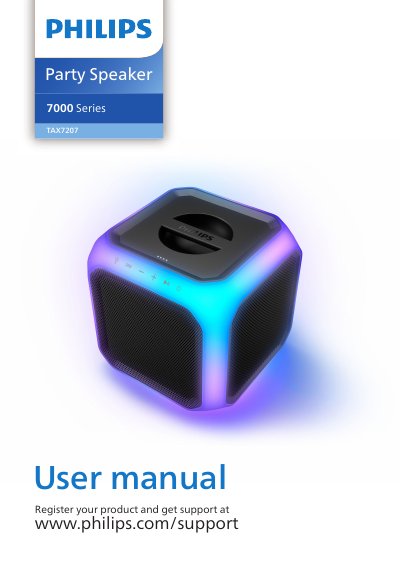
This user manual covers the Philips TAX7207 Party Speaker 7000 Series. It describes safety instructions, package contents, controls, setup, charging, Bluetooth and USB playback, microphone use, firmware updates, pole mounting, specifications, and troubleshooting.
The speaker includes touch controls for light, DBB, volume, play/pause, standby, vocal fader, and voice changer, plus LED indicators for battery level, function status, Bluetooth, TWS pairing, PartyLink, and voice changer.
Press and hold the standby-on touch key for 3 seconds.
Press the light touch key to change the light mode, or press and hold it for 3 seconds to change brightness.
Press the standby-on touch key while the unit is powered on.
The package includes the party speaker, a power cord, a quick start guide, a warranty card, and a safety sheet.