
This document is a user guide for the Motorola Wi-Fi® Home Video Camera. The camera can be installed from an iPhone®/iPad® or Android™ device and the camera video can be viewed from a PC or notebook as well as from an iPhone®/iPad® or Android™ device.
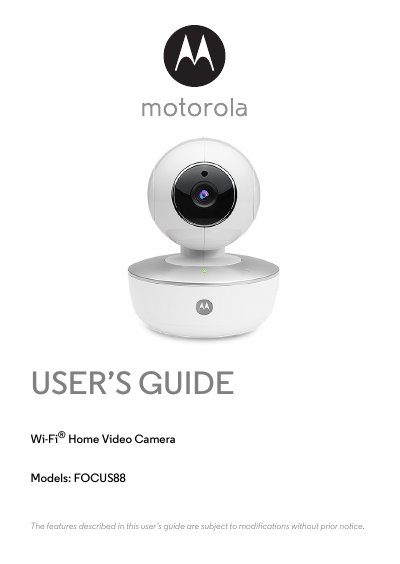
The Motorola FOCUS88 Wi-Fi Home Video Camera User’s Guide explains how to set up and use the camera with an Android device or iPhone/iPad. It covers power and connection, account and camera setup in the Hubble for Motorola Monitors app, camera features, PC/notebook viewing, resetting the camera, safety, warranty, and technical specifications.
The guide lists system requirements for the web portal, Android, and iOS, describes the camera status LEDs and built-in battery, and includes setup warnings such as keeping the camera and adapter cord more than 1 meter from a crib and using only the supplied power adapter.
| Wi-Fi | 802.11 b/g/n |
|---|---|
| Image sensor | Colour CMOS 1M Pixels |
| IR LED | 8 pcs |
| Battery | Ni-MH 2.4V, 900mAh |
| Power adapter model | S012BEB0500150 |
| Power adapter input | 100-240Vac, 50/60Hz, 200mA |
| Power adapter output | 5Vdc, 1500mA |
Setup is done through a compatible smartphone or tablet using the Hubble for Motorola Monitors app; the guide notes that setup cannot be done via a PC.
An Android device must run Android version 4.2 or above.
Up to 3 hours using its built-in rechargeable Ni-MH battery.
Use only the enclosed 5V DC / 1500mA power adapter.