
The Panasonic KX-TGA659 is an additional digital cordless handset compatible with the following series of Panasonic Digital Cordless Phones: KX-TG4131/KX-TG6591/KX-TG6631/KX-TG6641.
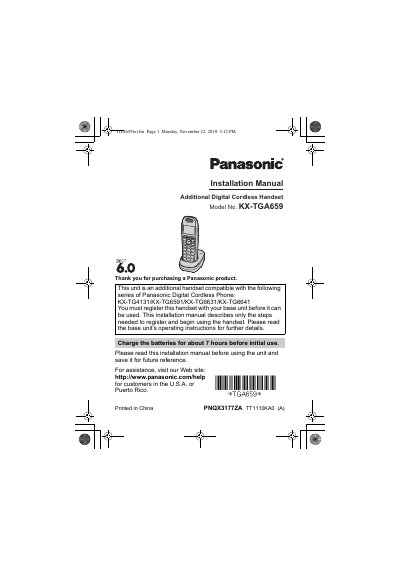
This installation manual covers the Panasonic KX-TGA659 additional digital cordless handset, which works with the KX-TG4131, KX-TG6591, KX-TG6631 and KX-TG6641 series of Panasonic Digital Cordless Phones. It describes only the steps needed to register the handset with a base unit and begin using it, and refers readers to the base unit's operating instructions for further details.
The guide lists supplied accessories and order numbers, shows charger connections and wall mounting, explains battery installation and charging (about 7 hours before initial use), and walks through registering the handset with the base unit via {LOCATOR}. It also covers display language selection, attaching the belt clip, a chart of main feature differences against the original handsets, volume adjustment, the handset equalizer, and safety and care information.
| Compatible base unit series | KX-TG4131 / KX-TG6591 / KX-TG6631 / KX-TG6641 |
|---|---|
| Display size | 1.9 inches |
| Button size | Extra large |
| Battery type | Ni-MH batteries AAA (R03) size |
| Charging time | About 7 hours |
| Supplied AC adaptor | PQLV219Y |
| Supplied rechargeable batteries | HHR-4DPA, quantity 2 |
| Power requirement | 120 V AC, 60 Hz |
It is compatible with the KX-TG4131, KX-TG6591, KX-TG6631 and KX-TG6641 series of Panasonic Digital Cordless Phone.
Charge the batteries for about 7 hours before initial use. When they are fully charged, the charge indicator goes off and "Fully charged" is displayed.
Press and hold {LOCATOR} on the base unit for about 5 seconds until the registration tone sounds, then place the handset on the base unit or charger and wait until a long beep sounds.
Use only rechargeable Ni-MH batteries AAA (R03) size; alkaline, manganese and Ni-Cd batteries should not be used.