
The FX-100-Z Series Digital Fiber Sensor is a high-performance, high-reliability sensor suitable for a variety of industrial applications. The sensor uses innovative fiber optic technology to achieve high-precision detection and measurement. The FX-100-Z Series Digital Fiber Sensor features the following:
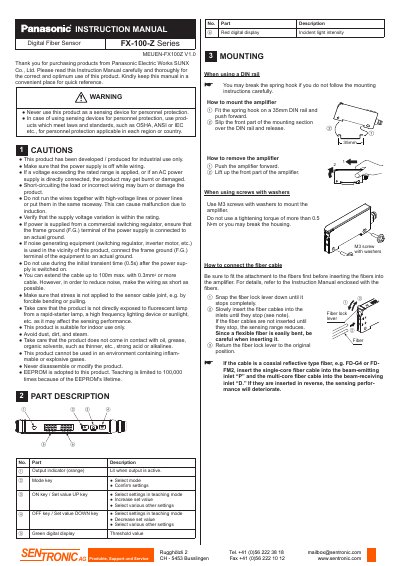
This Panasonic FX-100-Z Series Digital Fiber Sensor instruction manual explains the parts of the amplifier, mounting on a DIN rail or with M3 screws, connecting the fiber cable, wiring the connector cable, and reading the RUN mode display.
It also describes circuit diagrams for NPN and PNP output types, threshold value fine adjustment, the key lock function, and entering SETTING mode for teaching, output operation, and timer selection.
| Output current | 100 mA max |
|---|---|
| Cable extension | Up to 100 m |
Press
Press
The cable can be extended up to 100 m, but wiring should be kept as short as possible to reduce noise.
It shows the incident light intensity.