
Philips Monitor User Manual
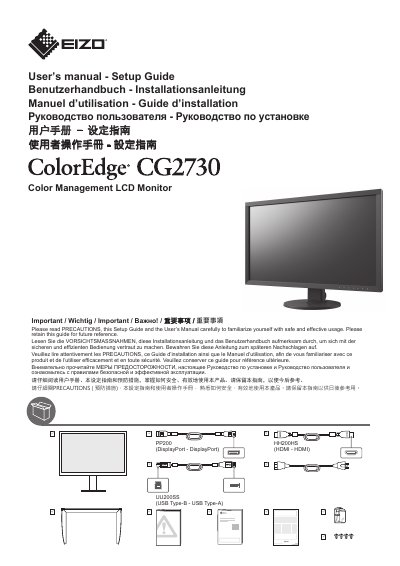
This multilingual setup guide is for the EIZO ColorEdge CG2730 color management LCD monitor. It covers DisplayPort and DVI connections, USB connection for calibration, the recommended resolution, factory preset, ColorNavigator 7 software, and troubleshooting for power and display issues.
It also includes cautions for the stand lock button, regulatory compliance information, and ergonomic and stand requirements for installation.
| Recommended resolution | 2560 x 1440 |
|---|---|
| Factory preset | On |
| Highest sound pressure level | 70 dB(A) or less |
ColorNavigator 7 and the sensor are used to calibrate the monitor.
The recommended resolution is 2560 x 1440.
The lock button is only used to remove the stand from the monitor.
Download ColorNavigator 7 from the EIZO website and install it on your PC.