
Epson Projector EasyMP Network Projection Connection Manual

This manual describes how to connect an EPSON projector.
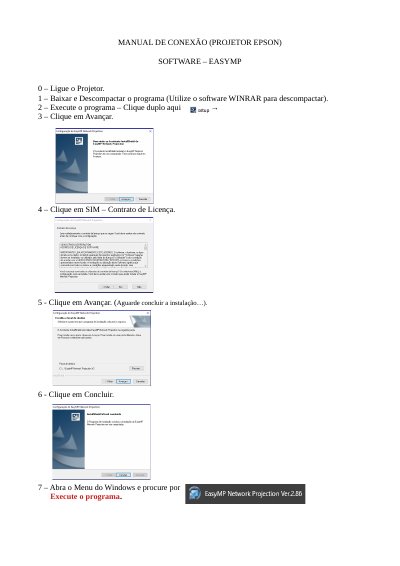

Epson Projector EasyMP Network Projection Connection Manual - cover page
Brand
Epson
Category
Projector
Document type
Installation Guide
Language
Portuguese
Pages
2
File format
PDF
File size
133 KB
Published
11 November, 2023
Updated
11 November, 2023
MD5 checksum
8F226998C1856592317988E09669DDB7

About this manual

This connection manual explains how to link an Epson projector to a computer using EasyMP Network Projection. It covers downloading and extracting the program, running setup, accepting the license agreement and completing installation.

The guide then describes selecting Advanced connection, responding to the Windows Firewall prompt, searching the network for projectors, choosing the desired projector and entering the projection keyword. This manual is written in Portuguese.

What's inside

  • EasyMP software download and extraction
  • EasyMP setup installation
  • License agreement
  • Advanced connection mode
  • Windows Firewall prompt
  • Projector search on the network
  • Connecting to a selected projector
  • Projection keyword

Specifications

Software versionVer.2.86

Frequently asked questions

What software is used to connect the projector?

The manual uses EasyMP Network Projection for the connection setup.

Which connection mode does the manual tell you to select?

It tells you to select Advanced connection and click OK.

What happens when the firewall prevents projector search?

The program asks whether to disable the firewall so it can search for projectors.

How do you connect to the desired projector after the search?

Select the desired projector and click Ligar.

Download PDF (133 KB)

More Epson Manuals


View all Epson manuals →