
Epson F-2100 Printer User Manual.
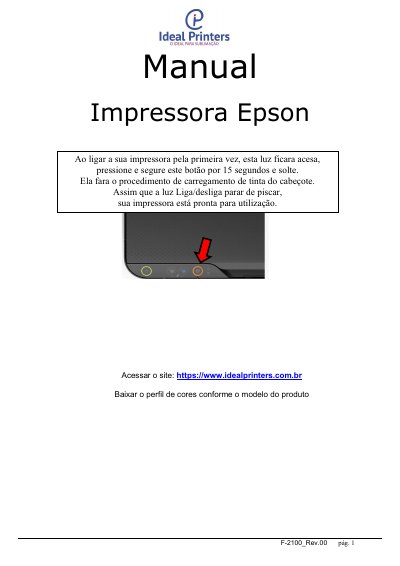
This manual provides instructions for the initial setup of the Epson F-2100 printer, including a specific procedure to load ink into the print head by holding the power button for 15 seconds. It also details the installation of the Epson IJ Printer color profile via the operating system's device properties. This manual is written in Portuguese.
Press and hold the button for 15 seconds and release it; the printer performs the printhead ink charging procedure.
Install CD (Disco) 1 of the Epson driver that is inside the printer packaging.
Select Documento em Alta Qualidade.
Use RGB: sRGB IEC61966 – 2.1.