
This document is about the operation guide of Casio watches.
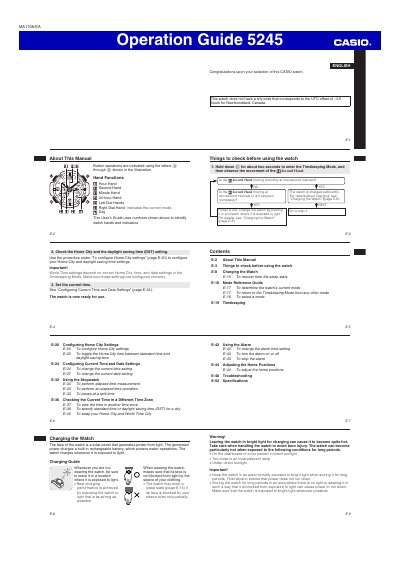
The Operation Guide 5245 is an English user manual for a Casio watch. It explains button operations and the functions of the watch hands and dial indicators.
The guide covers checking the watch before use, charging from light, power levels and power saving, the four modes, timekeeping, Home City and DST settings, current time and date settings, the stopwatch, World Time, the alarm, home position adjustment, troubleshooting, and specifications.
| Power source | Solar panel charging a built-in rechargeable battery |
|---|---|
| Modes | Four |
| Sleep state levels | Two |
Expose it to light. The watch face is a solar panel that generates power from light and charges the built-in rechargeable battery.
Hold down the indicated button for about two seconds until the watch beeps.
All functions are disabled, but the watch keeps time internally for about one week. Recharging during that period resumes regular timekeeping.
Observe the second hand in Timekeeping Mode. Smooth one-second intervals mean the watch is charged sufficiently.