
This is a manual for the Casio SE-G1 PCR-T273 SM-T274 SE-S700 electronic cash register MA1401-D SE-S700*INC2 S-2.
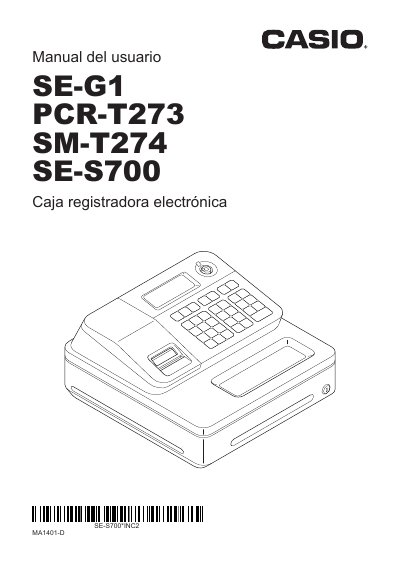
This is the Spanish-language user manual ("Manual del usuario") for the Casio electronic cash registers SE-G1, PCR-T273, SM-T274 and SE-S700. It opens with an introduction covering placement, power supply, cleaning and the original carton, followed by a section of safety precautions with danger, warning and caution symbols, notes on the AC plug and cord, battery handling, and how to open the drawer with the drawer release lever when there is no power.
The rest of the manual is organized by task: basic use of the register, programming basic settings, basic register operations, printing sales reports, useful features, advanced programming, advanced operations, calculator mode, what to do when you think there is a problem, and specifications on the last page. It also states the manufacturer and EU responsible party and includes FCC and IT power distribution notices. This manual is written in Spanish.
| Power supply | Standard household current, 120 V, 50/60 Hz |
|---|---|
| Models covered | SE-G1, PCR-T273, SM-T274, SE-S700 |
It is designed to run on standard household current, 120 V, 50/60 Hz, and the outlet should not be overloaded with many appliances.
Slide the drawer release lever to open it; the drawer will not open if it is locked with a key.
Cut the power immediately and unplug the AC plug from the outlet, then contact a CASIO representative.
For help with programming, the manual directs users to the CASIO business support page.