
The FD8133/FD8134 Fixed Dome Network Camera is a compact, weatherproof camera that supports MicroSD/SDHC cards and has a resolution of 1MP. It is suitable for indoor and outdoor use.
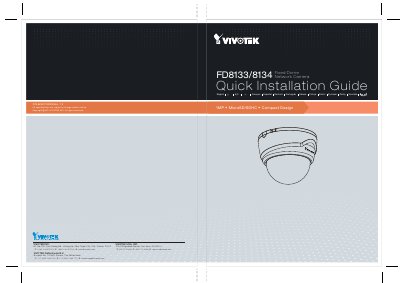
This is the VIVOTEK Quick Installation Guide (P/N 625011003G Rev. 1.3) for the FD8133/8134 Fixed Dome Network Camera. It walks through checking the package contents, identifying the camera parts, and mounting the camera on a wall or ceiling using the supplied alignment sticker, screws and plastic anchors.
The guide then covers connecting the camera without PoE through the general I/O terminal block and RJ45 coupler, powering it with the supplied adapter, or using a PoE switch or optional PoE power injector. It ends with assigning an IP address with Installation Wizard 2, opening live video, and adjusting the lens with the 3-axis design (pan 350°, tilt 85° for FD8133 and 70° for FD8134) before refitting the black cover and dome cover. This manual is written in Japanese.
| Ethernet | 10/100 RJ45 plug |
|---|---|
| Storage | MicroSD/SDHC card slot |
| IR LED | 8 elements, 10 m distance (FD8134 only) |
| Pan range | 350° |
| Tilt range | FD8133: 85°, FD8134: 70° |
The box contains the software CD, the FD8133/FD8134 camera, an alignment sticker, an RJ45 female/female coupler with screws and a clamp core, a power adapter, plus the quick installation guide and warranty card.
Yes. The camera is PoE-compliant, so power and data can both be carried over a single Ethernet cable to a PoE switch; with a non-PoE switch, an optional PoE power injector is used.
Run Installation Wizard 2 from the Software Utility directory on the software CD; after it scans the LAN, click the MAC address that matches the label on the camera to open it in Internet Explorer.
The lens module rotates 350° for pan, and the tilt is 85° on the FD8133 and 70° on the FD8134, adjusted with the tilt screws on both sides of the camera.