
The FD8131V is a fixed dome network camera with the following features: •H.264 •Vandal-proof •IP66
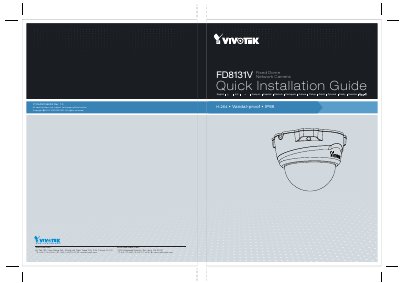
This quick installation guide covers the VIVOTEK FD8131V fixed dome network camera, marked with H.264, vandal-proof and IP66 on the cover. It explains package contents and camera parts, then describes removing the dome cover and black cover before ceiling or wall mounting. The mounting steps include using the positioning sticker, drilling guide and cable holes, securing the camera with screws, and fitting the supplied clamp core at least 5 cm from the device.
The guide also covers non-PoE and PoE connection options, including using an optional PoE power injector with a non-PoE switch, and assigning an IP address with Installation Wizard 2 from the software CD. Later sections describe accessing live video, adjusting the lens, setting zoom and focus, and reattaching the dome cover. This manual is written in Japanese.
| Video compression and protection markings | H.264, Vandal-proof, IP66 |
|---|---|
| Ethernet interface | Ethernet 10/100 RJ45 plug |
| Card slot | MicroSD/SDHC card slot |
Loosen the tilt adjustment screws on both sides of the camera, tilt the lens module up or down, and tighten the screws when finished.
Run Installation Wizard 2 from the Software Utility directory on the software CD and follow the program to detect the camera.
Use an optional PoE power injector to connect the camera and the non-PoE switch.
Keep the clamp core at least 5 cm away from the device.