
The CAN@net NT 100/200/420 User Manual provides information on the features and benefits of the CAN@net NT 100/200/420 series of products, including their high performance, reliability and ease of use.
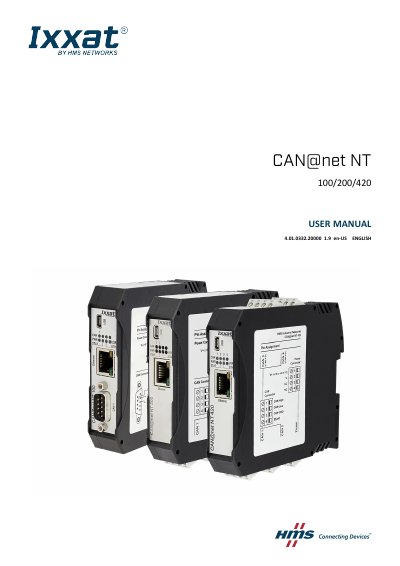
The CAN@net NT 100/200/420 user manual covers the user guide, safety instructions, scope of delivery, product description, installation, configuration, operation, default network settings, default TCP/UDP ports, technical data, support and return hardware, disposal, and regulatory compliance.
The document states that the hardware provides connectivity to Ethernet and CAN networks. CAN@net NT 100 has one CAN connection via a D-Sub 9 connector, CAN@net NT 200 has two CAN connections via terminal adapters, and CAN@net NT 420 has four CAN connections via terminal adapters; the CAN@net NT 420 is additionally capable of CAN FD.
| CAN connections (CAN@net NT 100) | 1 x CAN (D-Sub 9) |
|---|---|
| CAN connections (CAN@net NT 200) | 2 x CAN (terminal adapters) |
| CAN connections (CAN@net NT 420) | 4 x CAN (terminal adapters) |
| Ethernet port | 1 x RJ45, 10/100 Mbit/s |
| USB port | 1 x mini USB 2.0, high-speed |
| CAN/CAN FD standard | ISO 11898-1:2015 |
| CAN high-speed standard | ISO 11898-2:2016 |
By default, the CAN@net NT is configured as a VCI interface and can be used as a PC interface with Windows.
The CAN@net NT 420 is additionally capable of CAN FD.
The CAN@net NT 420 has four CAN connections.