
This user manual provides instructions for the installation, configuration, and operation of the HMS Networks SCM-1202-139 Wireless BoltIoT device.
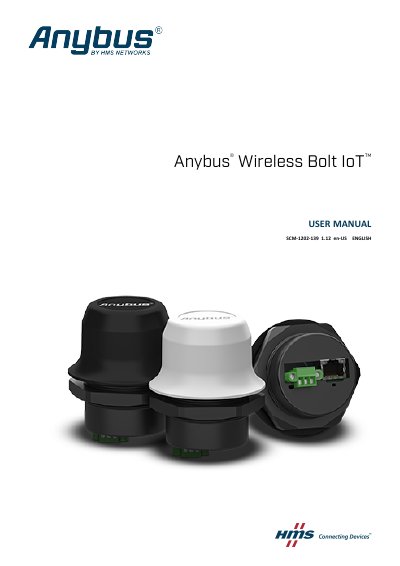
The document serves as a comprehensive guide for setting up the Anybus Wireless BoltIoT (model SCM-1202-139). It covers essential topics including safety precautions, preparation steps such as SIM card selection and network environment checks, and detailed mechanical installation procedures. The manual also explains how to connect the device via Power over Ethernet or standard power sources.
| Operating temperature (Shadow) | -40 to +65°C |
|---|---|
| Host interface | RJ45 Ethernet 10/100 Mbit/s, PoE |
| Cellular standards (4G LTE) | Category Cat-M1 and NB-IoT |
| Maximum Data speeds (Cat-M1) | Download 300kbps, Upload 375kbps |
| Protection class (Top) | IP66 and IP67 / UL Type 4X |
| Weight | 95g |
The device supports LTE-M (Cat-M1), LTE NB1 (NB-IoT), or GSM (2G).
Press and hold the Reset button for more than 10 seconds while the device is powered on.
In Sleep Mode, the Power connector consumes 0.1W and PoE consumes 0.3W.