
Key facts
- Manuals
- 1
- Languages
- EN
- Last added
- 2026-10-21
Featured HMS Networks manuals
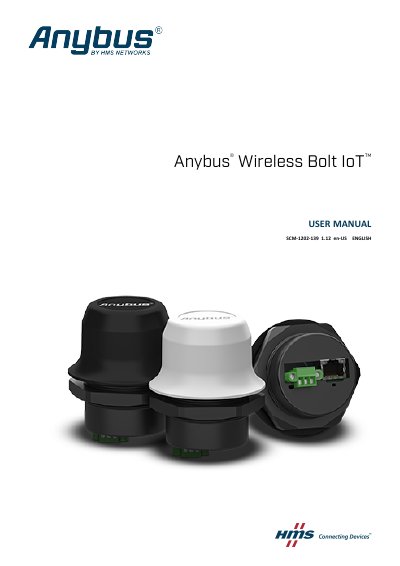
HMS Networks SCM-1202-139 Wireless BoltIoT User Manual
The document serves as a comprehensive guide for setting up the Anybus Wireless BoltIoT (model SCM-1202-139). It covers essential topics including safety precautions, preparation steps such as SIM card selection and network environment checks, and detailed mechanical installation procedures. The manual also explains how to connect the device via Power over Ethernet or standard power sources.
Covers: Safety · Preparation · Installation · Configuration · Verify Operation · Maintenance
Latest HMS Networks manuals
HMS Networks SCM-1202-139 Wireless BoltIoT User Manual
User Manual 48 pages · 2.7 MB · ENThis user manual provides instructions for the installation, configuration, and operation of the HMS Networks SCM-1202-139 Wireless BoltIoT device.
Which document do I need?
User Manual
Day-to-day operation, settings and troubleshooting. Start here if the product is already set up.
Questions answered in HMS Networks manuals
What network types does the Wireless BoltIoT support?
The device supports LTE-M (Cat-M1), LTE NB1 (NB-IoT), or GSM (2G).
From: HMS Networks SCM-1202-139 Wireless BoltIoT User Manual
How do you perform a factory reset using the Reset button?
Press and hold the Reset button for more than 10 seconds while the device is powered on.
From: HMS Networks SCM-1202-139 Wireless BoltIoT User Manual