
This manual describes the basic functions and usage of CAN@net NT 100/200/420.
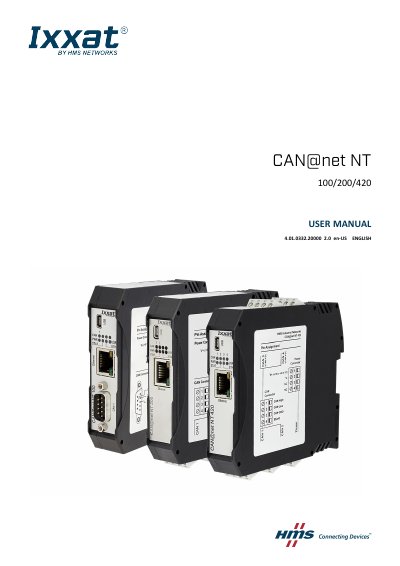
The CAN@net NT 100/200/420 is a gateway device designed to connect computer systems to CAN and CAN FD networks. It supports various operational modes, including Bridge and Gateway modes, and can be configured via USB or Ethernet connections using the CAN-Gateway Configurator tool or ASCII commands. The device features message filtering based on CAN identifiers and supports high-speed CAN according to ISO 11898-2:2016.
| Ethernet Port Speed | 10/100 Mbit/s |
|---|---|
| USB Port Type | mini USB 2.0 |
| CAN Standard | ISO 11898-1:2015 |
| CAN High Speed Standard | ISO 11898-2:2016 |
By default, the CAN@net NT is configured as a VCI interface and can be used as a PC interface with Windows.
The device can be configured via USB or Ethernet connections using the CAN-Gateway Configurator or ASCII commands.