
The document describes the features and characteristics of the Moto E4 phone.
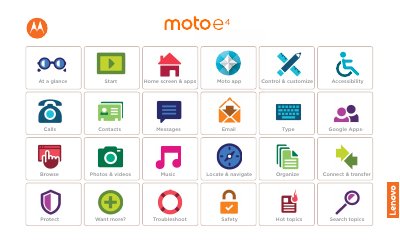
The Moto E4 user guide gives a first look at the phone, including the power and volume buttons, front and back cameras, headset jack, and SIM and microSD card slots under the back cover. It explains inserting the Nano SIM and optional microSD card, charging and powering on, and signing in with a Google account.
The guide also covers the home screen and apps, search, status notifications, volume and interruptions, Do not disturb, and ways to manage battery life.
| Memory card support | optional microSD card |
|---|---|
| RF exposure distance | 1.0 cm from the body |
Remove the back cover and battery, insert the Nano SIM card and optional microSD card, put the cover back on, charge the phone fully, and turn it on. Then select your language and follow the screen prompts.
Remove the back cover and battery, then put in the SIM card and optional microSD card.
Swipe the status bar down with two fingers and tap Do not disturb.
Turn on Battery saver under Settings > Battery, and reduce Bluetooth, GPS, display brightness, or display timeout.