
This manual provides setup instructions and usage tips for the Moto G5 and Moto G5 Plus smartphones, covering features like home screen customization…
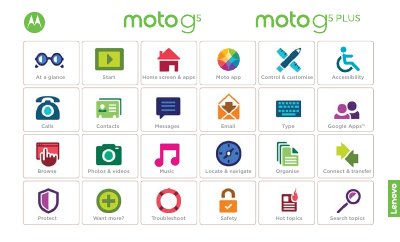
The document serves as a user guide for the Moto G5 and Moto G5 Plus smartphones. It begins with an overview of the device's physical layout, identifying key components such as the power button, volume buttons, SIM card slots, and camera sensors. The text notes that software updates may cause variations in the interface appearance.
To insert SIM and memory cards, you must first take off the back cover. Note: don't use tools to remove the cover — doing so may damage your phone.
The product meets RF exposure guidance when used at a distance of 0.5 cm from the body.