
This document introduces the features, usage methods and troubleshooting methods of the SYMBOL LS/DS3408 laser scanner.
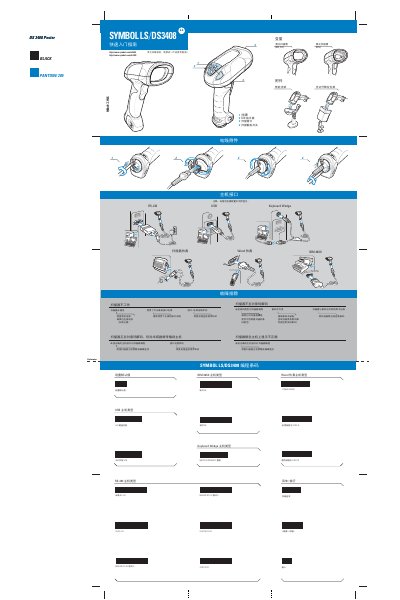
This guide introduces the Symbol LS/DS3408 laser scanner, detailing its USB and RS-232 host interfaces, LED indicators, and basic operation. It includes troubleshooting steps for common issues like non-functioning scanners or incorrect data display. Safety precautions for laser use are also provided, including posture recommendations and compliance with FCC and international laser safety standards. This manual is written in Chinese.
| Laser Class | Class 1 and Class 2 |
|---|
Check the power source, ensure the correct interface is used, and verify the connection is secure.
The listed host interfaces include USB, RS-232, IBM 46XX, Keyboard Wedge, Wand, and IBM PC/AT and IBM PC compatibility.
Check that the correct interface and power supply are used, and that the cable connections are secure.
The LED indicators show scanner power status, successful host communication, and whether a scan was completed but the barcode was not read.