
Philips ProntoNEO Universal Home Cinema Remote Control User Guide
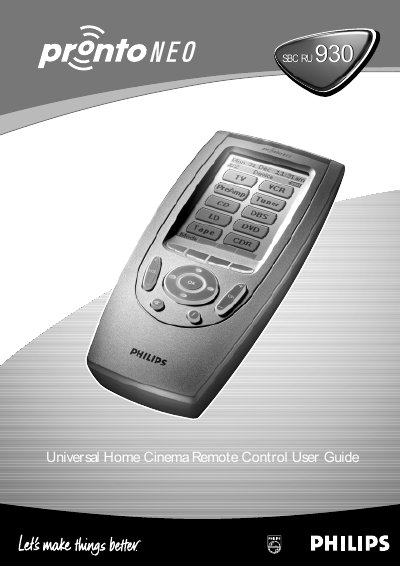
ProntoNEO is an intelligent remote control for infrared audio and video devices. It has an easy-to-use LCD touchscreen, stores infrared codes for many brands, and by default works with Philips and compatible devices; other brands can be defined, commands can be imported, buttons and devices can be labeled, macros can be recorded, and screens can be customized with NEOedit software.
This guide explains battery installation, the device and touchscreen, activation, device handling, modes, settings, brand definition, command import, labeling, macro recording, NEOedit, maintenance, troubleshooting, specifications, the brand table, and the help line. This manual is written in Spanish.
| Batteries | 3 x AA (1.5 V), normal or rechargeable |
|---|---|
| Battery type | Normal or rechargeable AA batteries |
| LCD contrast levels | 16 |
It requires three AA (1.5 V) batteries, which can be normal or rechargeable.
Hold the Backlight button and press Page Up or Page Down; the contrast can be adjusted in 16 levels.
You can still operate devices, but you cannot adjust settings, define brands, import commands, or record macros; replace the batteries to restore full operation.
Touch the touchscreen, press any button, or press the Backlight button on the left side.