
The manual describes the features and how to use the camera.
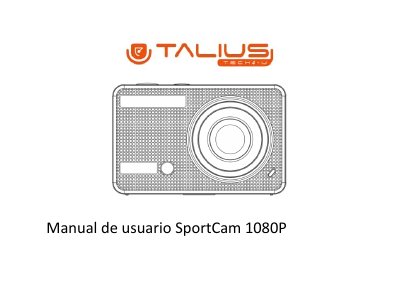
This Spanish-language manual covers the SportCam 1080P digital camera. It explains charging the 3.7 V lithium battery, inserting and formatting a TF memory card, and turning the camera on or off. It also lists four function modes: video recording, vehicle, photo, and playback.
The document identifies the function buttons and status indicators, describes the photo, video and vehicle modes, and gives technical parameters such as the 5.0-megapixel CMOS sensor, 1.5-inch HD LCD, video and photo resolutions, storage support, file formats and dimensions. This manual is written in Spanish.
| Image sensor | 5.0-megapixel CMOS |
|---|---|
| Function modes | Video, Vehicle, Photo, Playback |
| LCD display | 1.5-inch HD LCD |
| Photo resolution | 12M (4000 x 3000), 10M (3648×2736), 8M (3264 x 2448), 5M (2592 x 1944) |
| Video resolution | FHD (1920x1080 30fps), HD (1280x720 30fps), HD (1280x720 60fps) |
| Storage | TF card up to 32GB |
| File format | JPEG, H.264 |
| USB port | USB 2.0/3.0 |
| Battery | 3.7V mounted lithium battery |
| Dimensions | 60 x 38 x 28 mm |
It requires a high-speed TF memory card rated Class 4 or higher.
The charging process takes approximately 5 hours.
No. The camera is not equipped with internal memory, so a TF card must be inserted before use.
Press and hold the power button for 3 seconds.