
The LUMIX DC‑GF10 user manual explains advanced functions, menu settings, Wi‑Fi operation and shooting modes.
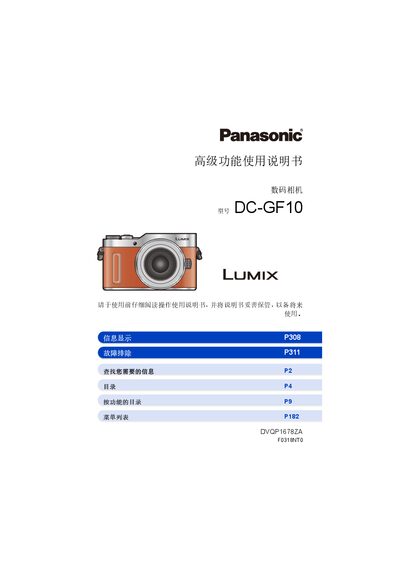
This manual provides step‑by‑step instructions for using the advanced features of the LUMIX DC‑GF10 digital camera. It covers basic setup, menu navigation, shooting modes, focus and exposure controls, as well as Wi‑Fi connectivity and remote shooting.
Additional sections describe 4K photo and video recording, image stabilization, flash operation, playback editing, and safety precautions for accessories such as lenses and tripods. This manual is written in Chinese.
| Lens mount | Micro Four Thirds |
|---|---|
| Wi‑Fi capability | Wi‑Fi®功能 |
Install the Image App on your phone or tablet, enable Wi‑Fi on the camera, and follow the on‑screen prompts to pair the devices.
The camera uses the Micro Four Thirds (MFT) lens mount, compatible with MFT lenses and adapters.
Press the [DISP.] button to bring up the quick menu, where frequently used settings can be adjusted.