
USR-TCP232-ED2 is a serial port to Ethernet module that can convert serial port data to Ethernet data, or Ethernet data to serial port data.
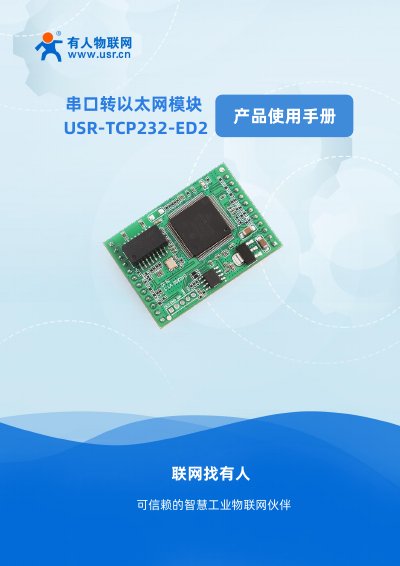
The USR-TCP232-ED2 product user manual from USR covers the module's basic test case, block diagram and data flow, document download links, test environment, and test steps. It includes ED2 pin definitions with pin names, descriptions, I/O direction, and voltage ranges, plus parameter setting notes and a data transparent transmission test procedure using USR-TCP232-Test.exe.
The manual also lists common uses such as transparent transmission and connecting to a router, and provides troubleshooting for serial data transmission, network connection, TCP connection, data format, transparent cloud connection, and power supply. It ends with an update history and contact details for Jinan USR IOT Technology Limited. This manual is written in Chinese.
| +5V Supply Voltage | 5.0–7.0V |
|---|---|
| +3.3V Supply Voltage | 3.0–3.6V |
| Serial Port 0 Pins | TXD0 (send), RXD0 (receive) |
| Serial Port 1 Pins | RXD1 (receive), TXD1 (send) |
| Serial Port 2 Pins | RXD2 (receive), TXD2 (send) |
| Reload Pin Function | Pull low before power-up and pull high after 5 s to restore factory settings |
| Reset Pin Function | A 200 ms low level resets the module |
The manual describes it as a serial-to-Ethernet module used to test communication conversion between a serial port and a network.
Pull the Reload pin low before powering the module, then pull it high 5 seconds after power-up.
Check whether the serial baud rate and serial parameters match those of the connected serial device.
It selects TCP Client mode, enters server IP 192.168.0.7 and server port 23, and establishes a TCP connection.