
SINAMICS Intelligent Operator Panel 2 (IOP-2) Operating Instructions, Version 07/2021, Firmware IOP-2 V2.7 07/2021, FW V2.7 A5E39549448F AJ
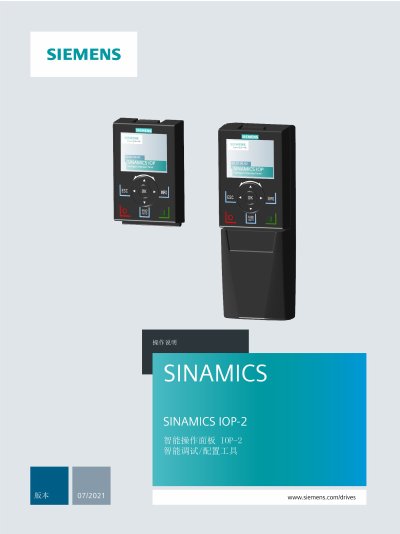
The IOP-2 is an intelligent operator panel that enhances the interface and communication capabilities of SINAMICS drives. It connects to the drive through an RS232 interface and automatically recognizes supported SINAMICS control units.
This manual covers safety information, installation, initial setup, setup and control menus, diagnostic and parameter menus, options, and technical data for firmware version V2.7. This manual is written in Chinese.
| Interface | RS232 |
|---|
It automatically recognizes supported SINAMICS control units such as G120 CU230P-2, CU240B-2, CU240E-2, CU250S-2, G120C, G120D-2, ET 200pro FC-2, G110D, G110M, G120X, and G120XA.
The drive stops within a few seconds while the IOP-2 is removed.
They cover version 07/2021 with firmware IOP-2 V2.7.
No, the IOP-2 cannot fully support drives equipped with GP firmware version below 3.4.