
The DC-530i is a digital camera with the following features:
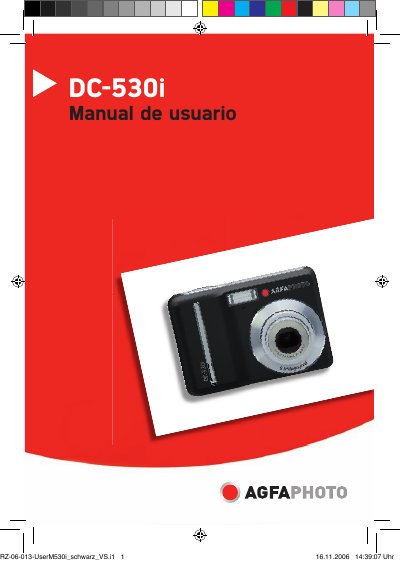
The DC-530i user manual is a Spanish-language guide for operating this digital camera. It covers initial setup, safety information, battery installation and battery type selection, memory card use, language, date and time settings, LCD monitor use, power saving, recording modes, menus, still image and movie recording, audio recording, playback, editing, DPOF, TV viewing, computer connection, software installation, troubleshooting, and specifications.
The manual also describes camera parts, strap attachment, flash, macro, timer, burst, voice memo, white balance, ISO, exposure, effects, sharpness, date imprint, file deletion and protection, image rotation and resizing, copying files, choosing a startup image, and system requirements. This manual is written in Spanish.
| Battery type | Two AA alkaline or NiMH rechargeable batteries (minimum 1600 mAh / 1.2 V) |
|---|---|
| Low battery indicator | Appears on the LCD when the batteries are nearly empty |
The camera uses two AA alkaline batteries or two NiMH rechargeable batteries with a minimum rating of 1600 mAh / 1.2 V.
Replace the batteries promptly when the low battery indicator appears.
Remove the batteries from the camera.