
The CP2102 Evaluation Kit includes the following items: CP2102 Evaluation Board, RS232 Serial Cable, USB Cable, DVD, and Quick Start Guide.
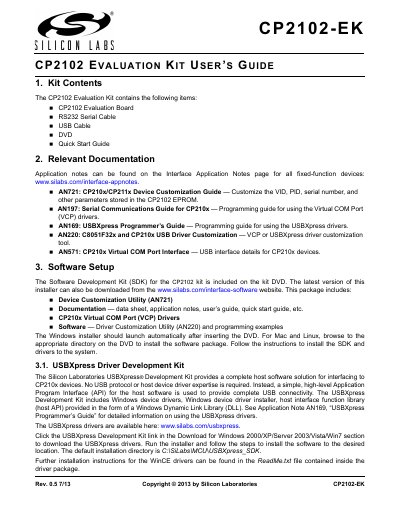
The CP2102-EK Evaluation Kit User's Guide describes the kit contents, relevant application notes, and software setup. The kit contains a CP2102 Evaluation Board, an RS232 serial cable, a USB cable, a DVD, and a Quick Start Guide. The guide lists application notes AN721, AN197, AN169, AN220, and AN571 and explains the SDK contents, including VCP drivers, USBXpress drivers, and documentation.
The guide covers connecting the evaluation board to a PC and a target serial device, how the CP2102 appears in Device Manager when using VCP or USBXpress drivers, and the target board connectors. It includes USB connector pin descriptions, RS232 and J2 UART signal pin descriptions, and a schematic figure.
| USB connector (J3) pins | Pin 1 VBUS, Pin 2 D-, Pin 3 D+, Pin 4 GND |
|---|---|
| RS232 connector (J1) | DB9 connector for RS232 interface |
| USB connector (J3) | USB connector for USB interface |
| SUSPEND indicator | LED D1 |
| J2 UART signal access | Shorting blocks are required to connect UART signals to J1 |
| COM port selection | Uses the lowest available COM port |
| COM port behavior | Functions identically to a COM port from the host application and serial device perspective |
It includes the CP2102 Evaluation Board, an RS232 serial cable, a USB cable, a DVD, and a Quick Start Guide.
Connect the USB cable from a USB port on the PC to the USB connector on the CP2102 evaluation board.
It appears as a COM port in Device Manager.
The default installation directory is C:\SiLabs\MCU\USBXpress_SDK.